
Stop Micromanaging AI Agents: OpenAI Symphony
OpenAI Symphony shows how Linear and ticket based workflows can become the control plane for AI coding agents.
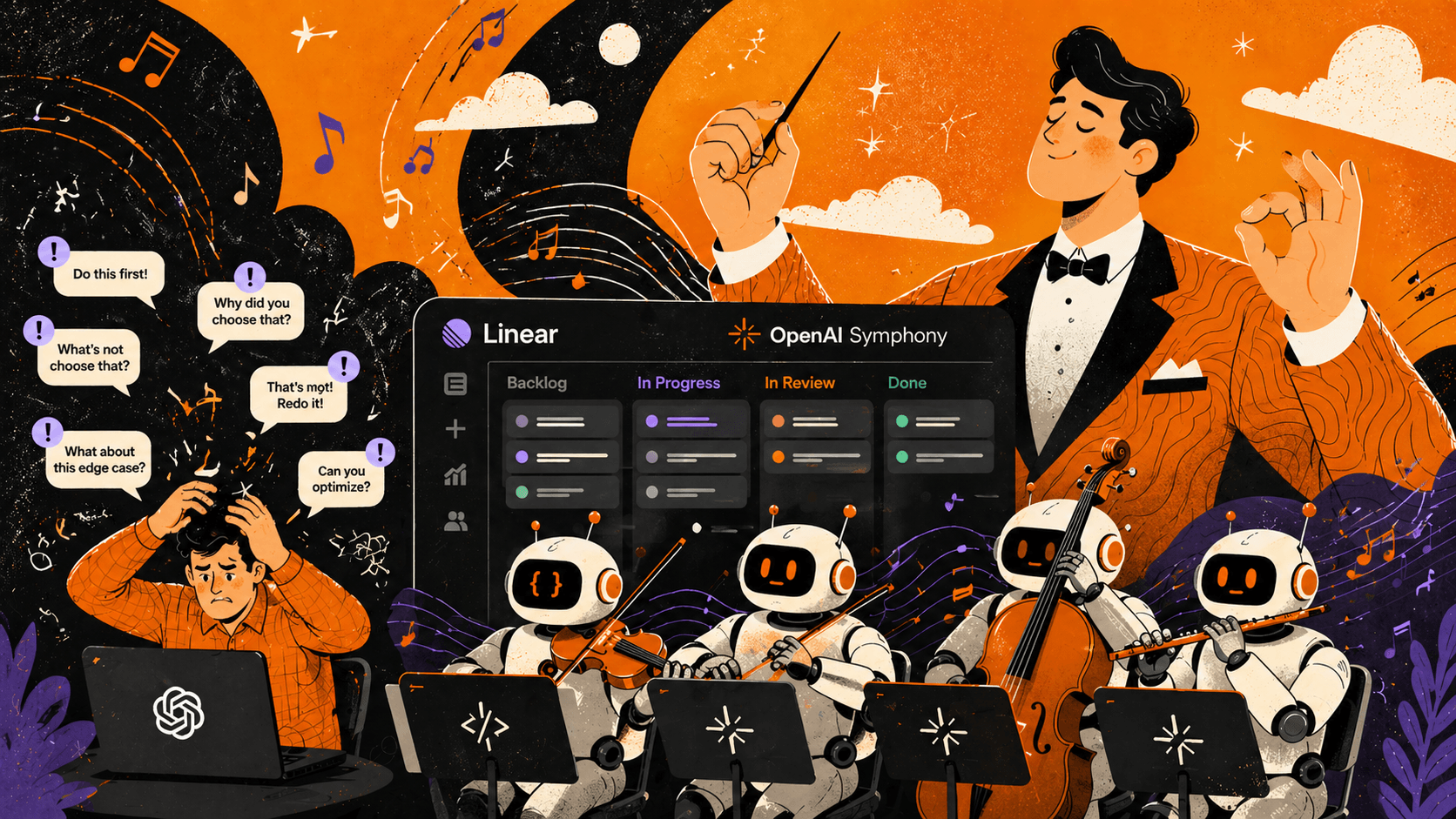
Marketing has made the phrase "AI Agent" almost useless. Everything that replies to a prompt now gets the label. A real AI Agent starts somewhere more concrete: it receives work, uses tools, and returns something you can inspect.
The awkward part is that the more Agents you run, the more coordination work you create.
OpenAI ran into exactly that problem. Codex was fast, but engineers were spending too much time watching sessions, nudging them back on track, restarting them, and reviewing half-finished work. So they built Symphony.
The bottleneck is human attention
Working with an interactive AI coding tool feels great at first. You start a session, hand it a task, and watch it work. Then you start two more. Then five.
At some point the work does not feel faster. Your head just gets noisier.
OpenAI found that one engineer could comfortably manage around 3 to 5 AI Agent sessions at the same time. Beyond that, context switching starts eating the gain. Which window is running what? Where did the tests fail? Which Agent took the wrong path? Which PR is waiting for review?
This is a familiar pattern. The tool is not slow. The workflow is asking humans to hold too much state.
If every AI Agent needs constant supervision, the human becomes the bottleneck. Not because people are bad at the job. Because our attention was never designed for babysitting a wall of autonomous sessions.
Manage the work, not the Agent
The idea behind Symphony is refreshingly practical: teams already think in tickets.
You do not need to manage sessions. Or terminal windows. Or scattered PRs. You need to manage work.
Symphony uses the project management system, for example Linear, as the control plane. You open a ticket, Symphony notices it, creates an isolated workspace, and starts an AI Agent on that task.
In practice:
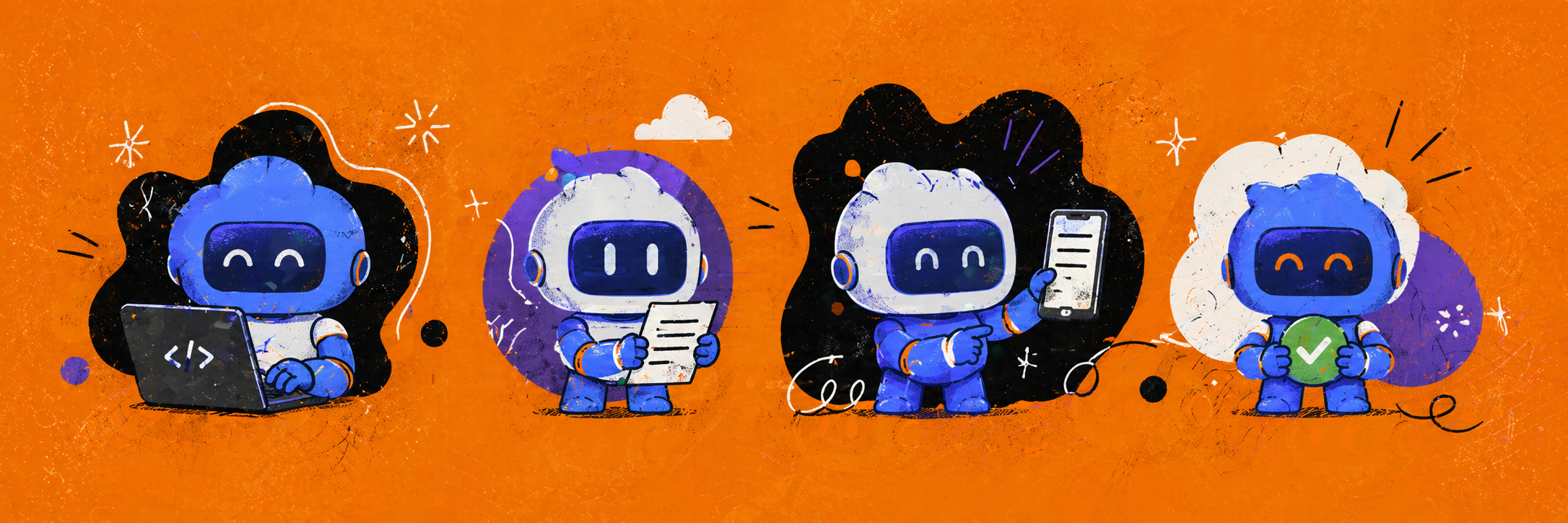
- You create a task in Linear.
- Symphony sees that the ticket is ready to work on.
- An AI Agent starts in its own workspace.
- When it finishes, it returns code, notes, and ideally a review packet.
If the ticket is blocked, the Agent waits. If it finds a bug or refactor that belongs outside the current scope, it can open a new ticket. That looks much more like a real product team than a developer jumping between five terminals trying to remember what each AI system is doing.
The shift is simple: an AI Agent is not a chat window you supervise. It is execution capacity that you direct through well written tickets.
This is not just developer convenience
The eye catching number in OpenAI's post is that after three weeks, some teams were merging five times as many PRs as before.
I would not read that as "everything got five times faster." Reality is messier than that, and more interesting.
Symphony changes the economics of trying things. A refactor idea, a small product hypothesis, or a technical investigation no longer has to cost half a day of human focus. It becomes a ticket. The AI Agent tries it. If the result is useful, you review it. If not, you still learned something, often about missing tests, weak documentation, or unclear instructions.
This matters for PMs and designers too. They do not need to clone a repo, start a Codex session, or work in a terminal just to test an idea. They describe the request in a ticket and get back either a working version or a review packet.
Engineering judgment does not disappear. If anything, it matters more. It just moves to a better place: scope, architecture, quality, and review instead of constant Agent babysitting.
Symphony is more operating model than product
The strange thing about the Symphony GitHub repo is that it does not feel like a polished "install this SaaS" product. The central artifact is a SPEC.md: a description of how a service should turn tickets into AI coding runs.
That is the useful part.
OpenAI is not saying every team should use the same exact system. It is showing the operating logic you need when AI Agents stop answering one-off prompts and start working through a real backlog in parallel.
This is where AI transformation gets less flashy and more important. The question is no longer "which model can write code?" The better questions are:
- Where does the task context live?
- When can an AI Agent work on its own?
- What counts as a finished result?
- Who reviews it?
- What happens when the Agent goes in the wrong direction?
- How does the lesson get back into the workflow?
The team that answers those questions well will get faster. The team that just launches more AI Agents into the old workflow will probably burn more attention.
Useful links
If your team needs a clearer product direction, stronger UX, or senior support on a complex digital and AI integration project, start with the AI product strategy consulting page or book a 30-minute consultation with Studio Kuti. That is usually enough time to see where the most attention is leaking out of the workflow.
More writing from the archive
Jev Is Not a Chatbot: Build AI Decisions Into Your Product
Jev is not a cheaper chatbot but a structured decision engine. Use batching, confidence thresholds, and clear system boundaries to build with it.
Open Knowledge Format: A Shared Language for AI Agents
OKF shows why stronger models are not enough: AI agents need shared, portable context that humans can still read.
Projects connected to this thinking
Open Brain: Building a Personal Knowledge Backend with AI
Open Brain: Building a Personal Knowledge Backend with AI What if your notes could think? Not in a sci fi way — but in a practical, "I wrote something three months ago th…
Raiffeisen Bank: End-to-End Online Account Opening
Raiffeisen Bank: End to End Online Account Opening When Raiffeisen Bank decided to let customers open a bank account entirely online — no branch visit required — they kne…